Exchange Time
Saved Exchanges
Exchange Form
Person Taking Leave Signature
Replacement Signature
Supervisor Signature
Alignment Mode
Signature Only
Read-only ET form. Add your signature below.
Balance Tracker
Advanced Settings
Archived Exchanges
Deleted Exchanges
App Activity
Operator health & readiness (admin only). No secrets are shown.
Loading…
Settings
Manage notifications and app preferences for this device.
Push notifications
Checking…
Notification preferences
Choose what you get notified about. Turned-off categories are not created.
More settings
Account
Check your email to verify your account before using Exchange Time.
Not signed in. Department login is optional during the pilot.
Event Reminders
Get a heads-up before club events. Calendar reminders also work after you tap “Add to Calendar.”
Support
Suggestions / Report Bug
Tell us what's working, what's broken, or what would help. Your report goes to the Exchange Time admins.
Do not include medical, personnel, confidential, or operationally sensitive information.
Your Submissions
Login
Use your approved department email to sign in.
Create your account with your approved department email. Other emails need admin approval.
Verify your email
We sent you an email from Fire Service Tools. Open it and click Confirm Email to finish creating your account.
Enter your department email and we'll send a password reset link.
Set a new password for your account.
Signed in as
Check your email to verify your account before using Exchange Time.
Trade Board
Open requests from members who need coverage. Eligible firefighters can offer to help.
Accepted
Accepted shift exchanges will appear here for chiefs and captains to manage. Coming soon.
Month Year
Training
Pick a topic to start training.
Daily Tours coming soon.
This will include daily fire service news, training prompts, and automated tour content.

Cigar Club
Unwind, connect, and enjoy great conversation with fellow firefighters. Whether you're a seasoned cigar enthusiast or simply curious, everyone is welcome around the firehouse cigar circle.
— firefighters interested
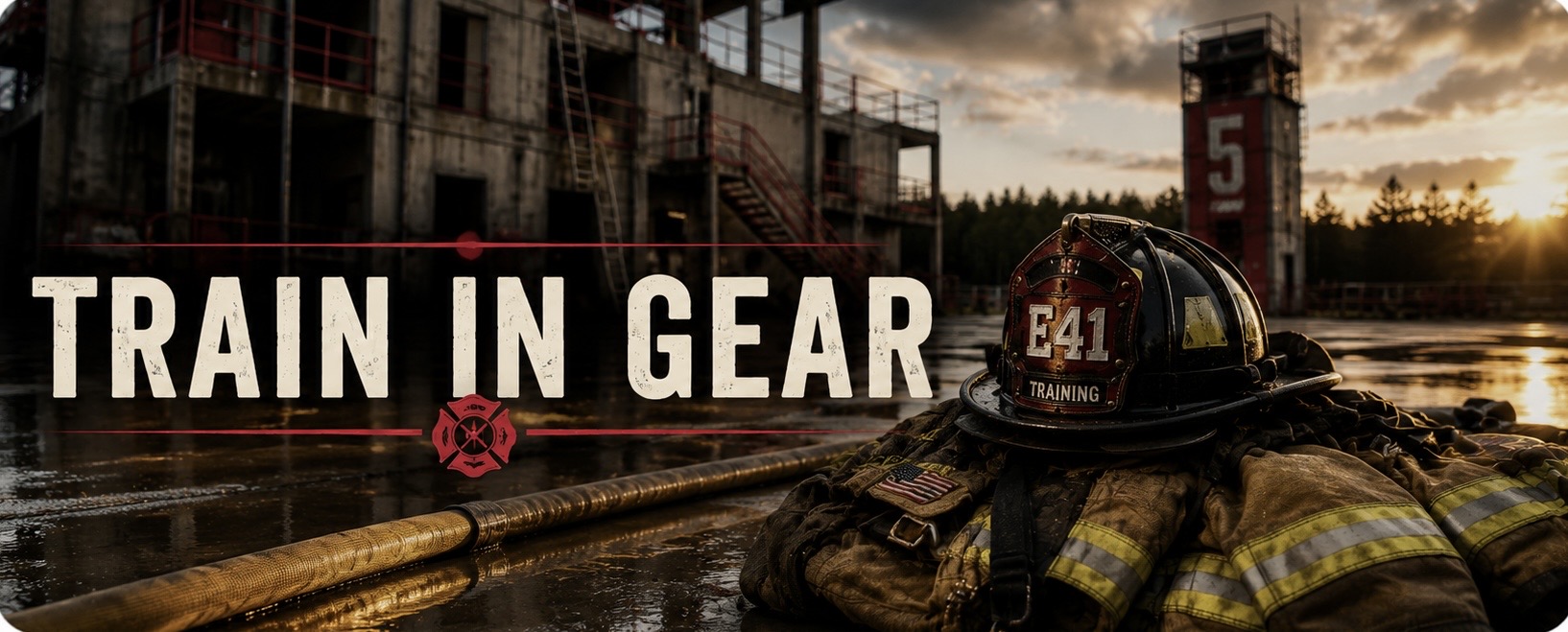
Train in Gear
A firefighter-led training group focused on building confidence, fitness, and proficiency while operating in full turnout gear. Train harder together so the real thing feels easier.
— firefighters interested
Cajun F.O.O.L.S.
The Cajun F.O.O.L.S. support firefighter training, leadership development, and brotherhood through events hosted throughout the region. Learn from others, share experiences, and strengthen the fire service.
— firefighters interested
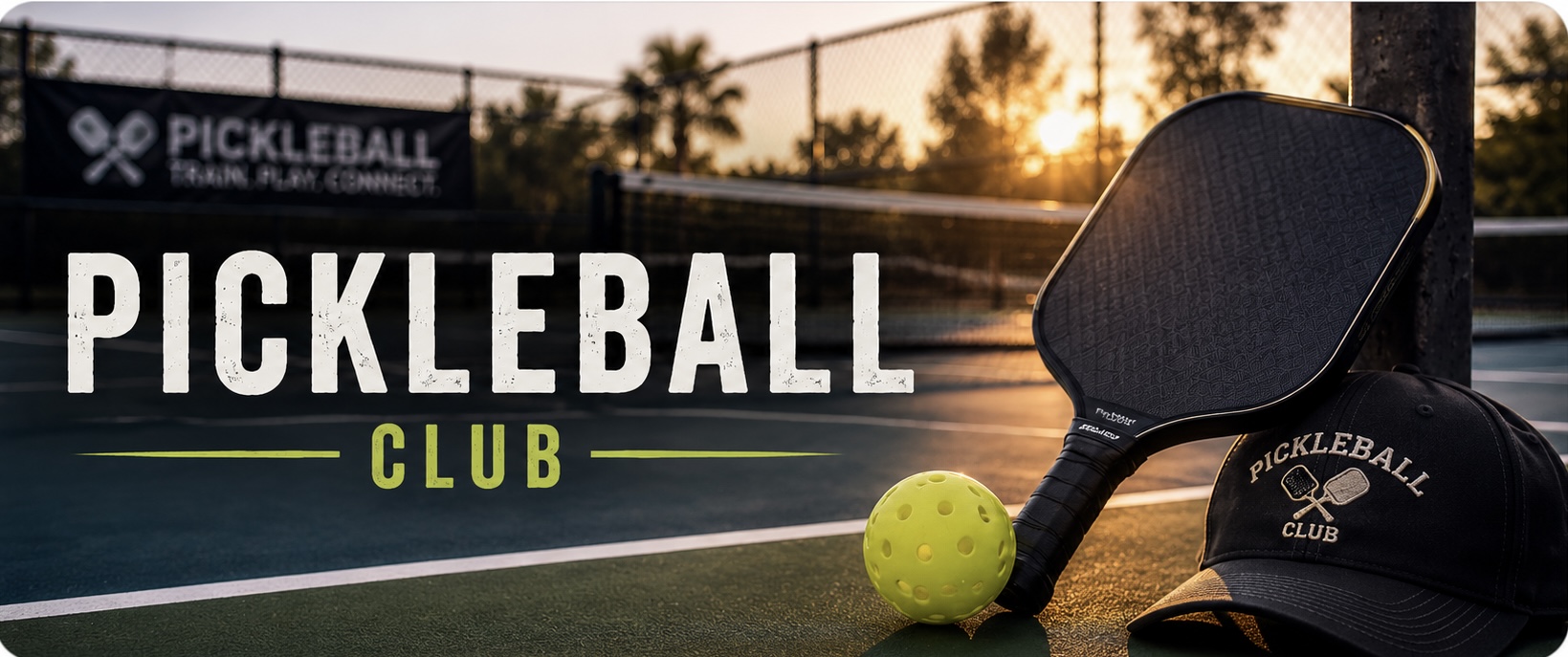
Pickleball Club
Friendly competition, exercise, and camaraderie. Whether you're new to the game or already addicted, grab a paddle and join the next match.
— firefighters interested
Good morning
This Hitch
Daily Training
Loading today's training video...
Lafayette911 Traffic
Lafayette911Loading traffic incidents...
Road Closures
Loading road closures...
Bulletin Board
Loading board...
Upcoming Events
Outside Training Events
Loading...
Department Documents
Sync Review
Field-level changes proposed by the automatic sync engine. Approving applies the change; nothing is applied without review unless the auto-approval rules pass (official source, 95%+ confidence, low risk).
✅ Signature Receipt
More
Events
Department clubs and outside conferences.
Loading...
Outside Training
Outside conferences, classes, and training opportunities.
Featured
Conferences & Training
Loading...
National Fire Academy
FOOLS
Programs / Links Without Dates
Smoke Diver Programs
Past Events
Official Bulletin Board PDFs
Swipe through posted PDFs. Tap one to enlarge it.
Loading board...
Past Road Closures
Expired and archived closures.
Lafayette911 Traffic
Lafayette911Loading traffic incidents...
Manage Road Closures
Loading...
Manage Facilities
Fire stations & facilities on the Operations Map. Resolved once from Google Maps links; the public map renders from the stored coordinates only.
Loading...
Admin
Soft gate — not secure. While the database is open, anyone can edit this data. For department testing only.
Launch Health
Loading…
Easter Egg Settings
0% silent · 100% normal · above 100% boosts louder (browser permitting). Per-device preference only.
This saves the Easter egg volume for every device. If it fails, run migration 025_app_settings.sql in Supabase first.
Current global setting: not loaded yet
Manage Events
Manage Training Schedule
Real training calendar events. These appear on the Calendar and This Hitch.
Import Outside Training Events
Paste one or more event links (one per line). Preview creates draft cards from each link; review and edit the details, then save them as drafts to publish below.
Paste CSV or JSON, or choose a file. Columns/fields: Title, Description, Provider, Category, Location, State, Website, Registration, Image, Month, Featured, Recurring, Lat/Lng (or "Map Pin" as "lat,lng"). Every row lands as a Draft for review -- nothing publishes automatically.
Outside Training
Post PDF to Bulletin Board
Upload an official PDF bulletin. Department users can view it; only admins can post.
Manage Bulletin Board
Feedback Reports
Firefighter feedback and bug reports, newest first.
User Access
User access is part of the pilot setup. RLS is still open, so this is not final production security.
Allow a New Email
Department emails can be auto-approved — no need to add them here. Add outside emails only when needed. Board & Docs need a department email unless the user is an admin.
Allowed Emails
Roster
Signed-up users and their roles (read-only). Role editing requires a safer admin RPC/RLS setup and is intentionally deferred.
Club Hosts
Assign a user as a host for a specific club. Hosts can add/edit/deactivate events for only their assigned club(s); they do not become app admins.
Assigned Hosts
Host Requests
Firefighters requesting to host a club. Approve to grant Club Host Tools for that club.